 MaplePath
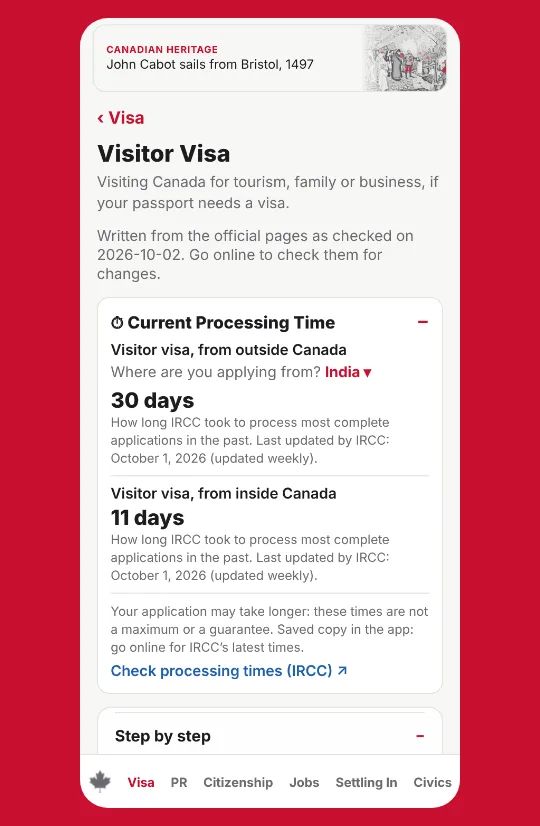
Visa Guides
Visitor visa, eTA, super visa, study and work permits, PGWP and extending your status. Each guide covers eligibility, documents, fees, steps, a checklist and IRCC's current processing time.
A private guide for newcomers: visa guides, a CRS calculator, Express Entry rounds, citizenship test practice, jobs, your first documents, housing, civics and taxes. All of it is built on official Government of Canada information, in English and French.
No account needed. For iPhone and Android, coming soon to the App Store and Google Play.
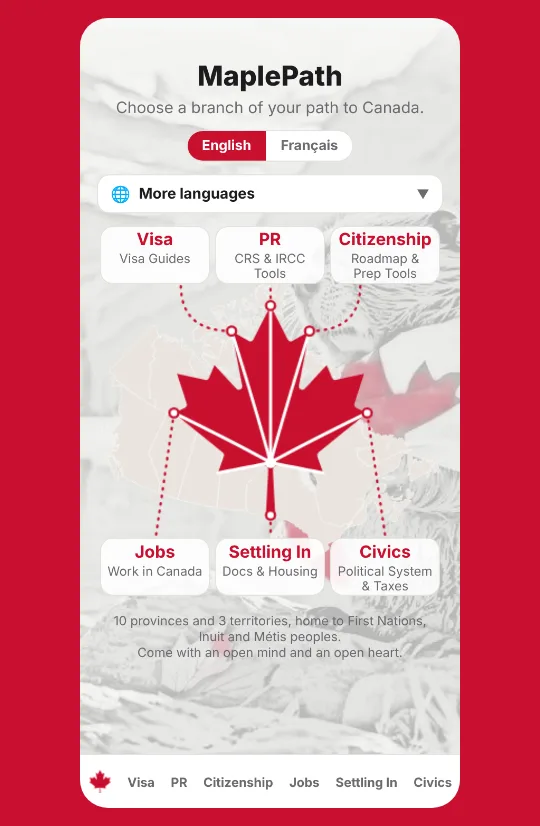
MaplePath gives you the full official information inside the app, so you don't have to dig through dozens of government pages. Each guide shows when it was last checked against the official page.
Visitor visa, eTA, super visa, study and work permits, PGWP and extending your status. Each guide covers eligibility, documents, fees, steps, a checklist and IRCC's current processing time.
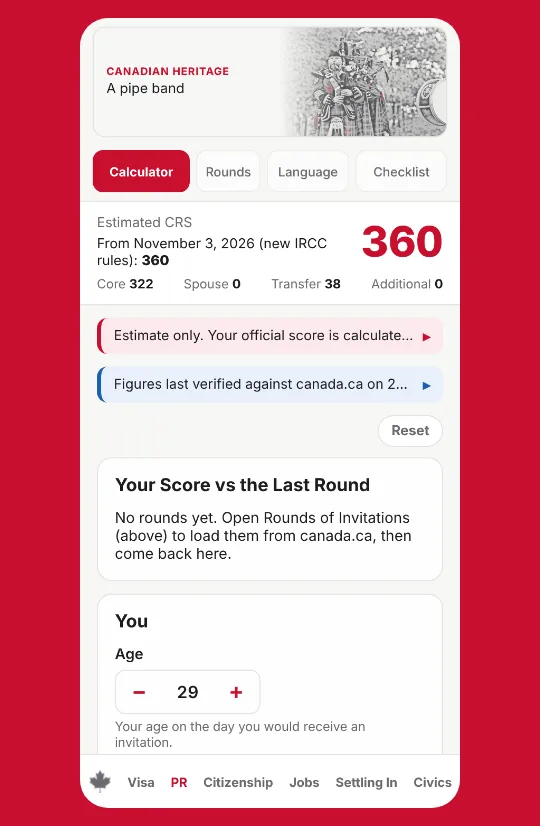
Estimate your CRS score, including IRCC's new points for high-wage work and job offers from November 3, 2026. Follow every round of invitations and who could be invited, see how many points each language level is worth, study and take practice tests, and tick off your Express Entry documents as you gather them.
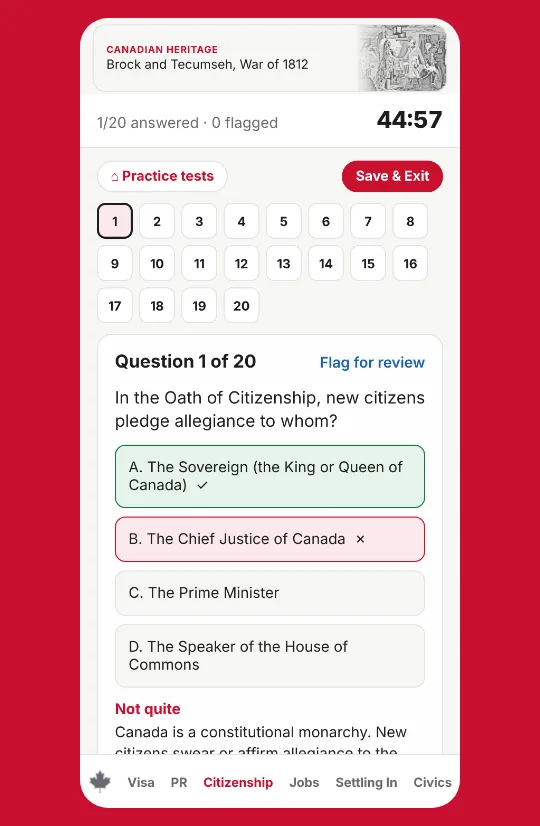
Study notes for every chapter of Discover Canada, IRCC's official audio, timed practice tests that show which chapters to review, and the language requirement with its own practice. Save a test and finish it later.
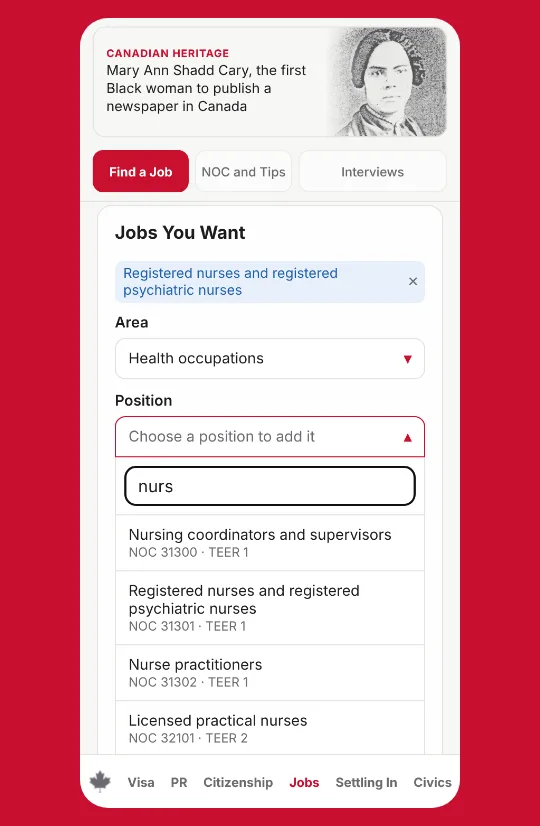
Pick your job to see this month’s Job Bank postings and average salaries, find your NOC code, follow a step-by-step guide to the job search and practice for interviews.
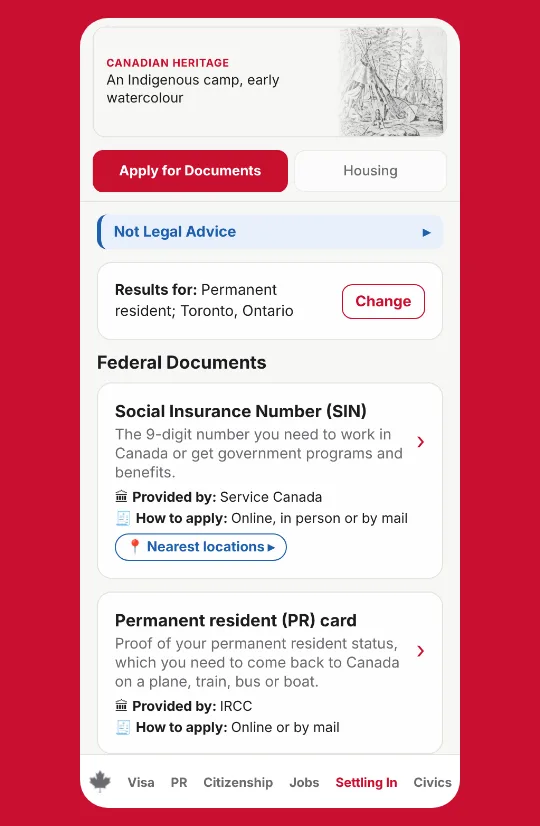
Pick your status, province and municipality to see the documents you need: your SIN, PR card, passport, health card and driver's licence, who provides each one, how to apply, and the nearest Service Canada offices with their hours. Then rents, home prices and a mortgage calculator for where you live.
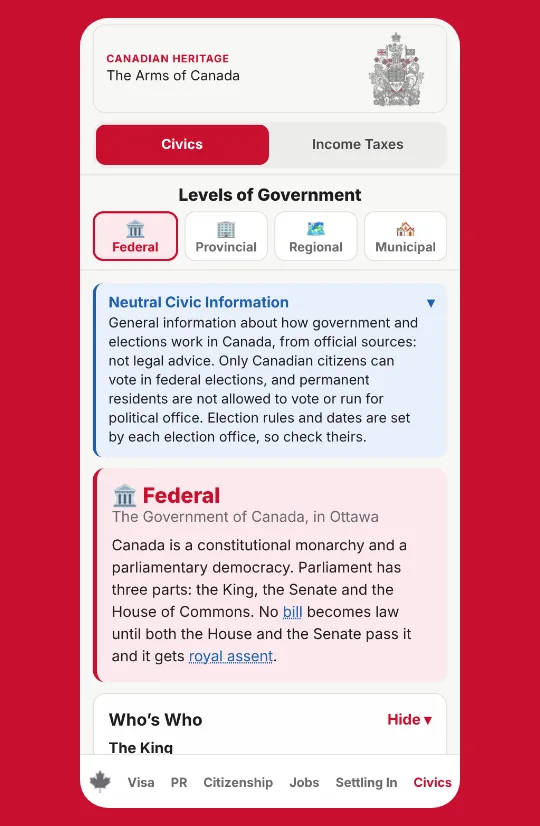
How Canada's four levels of government work (federal, provincial, regional and municipal), who represents you where you live, how elections and voting work, and an income tax estimate with a filing checklist for newcomers.
Everything you enter stays on your device, and your documents are encrypted. We can't see it, and we don't sell anything about you.
Every guide comes from canada.ca and other government pages. The pages are checked every week, and each guide shows when it last changed.
The only AI feature, the practice interview, sends only the job details and answers you type, and only after you agree each time.
MaplePath is a Premium app: a monthly or yearly subscription, or one payment for life. The screenshots on this page and in the App Store or Google Play show everything it offers before you buy. The App Store or Google Play shows the price before you pay. The official information itself is always free on the Government of Canada’s websites. Premium is a tool, not immigration advice.
No. MaplePath is an independent tool made by FlintLever Inc. Its information comes from official Government of Canada pages, but it is not legal advice. For advice on your own case, see a licensed immigration consultant (CICC), a lawyer or a Québec notary.
Only on your phone, inside the app. Documents are encrypted. There is no cloud backup, so keep your own copies of important documents.
MaplePath is an app for iPhone and Android. It is coming soon to the App Store and Google Play. It is not offered in a web browser.
Yes. Everything is in English and French. Menus are also available in Mandarin, Cantonese, Arabic, Hindi, Spanish, Portuguese, Korean, Italian and Japanese.
The official pages behind each guide are checked every week. Each guide shows when it was checked and says so when the government has changed a page since. Express Entry rounds and processing times come straight from IRCC.
Write to contact@maplepathimmi.ca or see the support page.
MaplePath is made by FlintLever Inc. to give people immigrating to Canada real support when they do the process on their own: the full official information in one place, tips that strengthen an application, and tools that keep their information private.
MaplePath is for iPhone and Android. It is coming soon to the App Store and Google Play.